StarCreate
ModulesModules
Ce qui est inclus, ce qui est Pro, ce qui arriveWhat is included, what is Pro, what is coming
Les marques sont les mêmes que dans le plugin et l'éditeur web : Gratuit, Pro (violet : pas installée, vert : installée) et Bientôt pour ce qui n'est pas encore en vente.The marks are the same as in the plugin and the web editor: Free, Pro (violet: not installed, green: installed) and Coming soon for what is not on sale yet.
StarCreate GratuitFree
StarUI
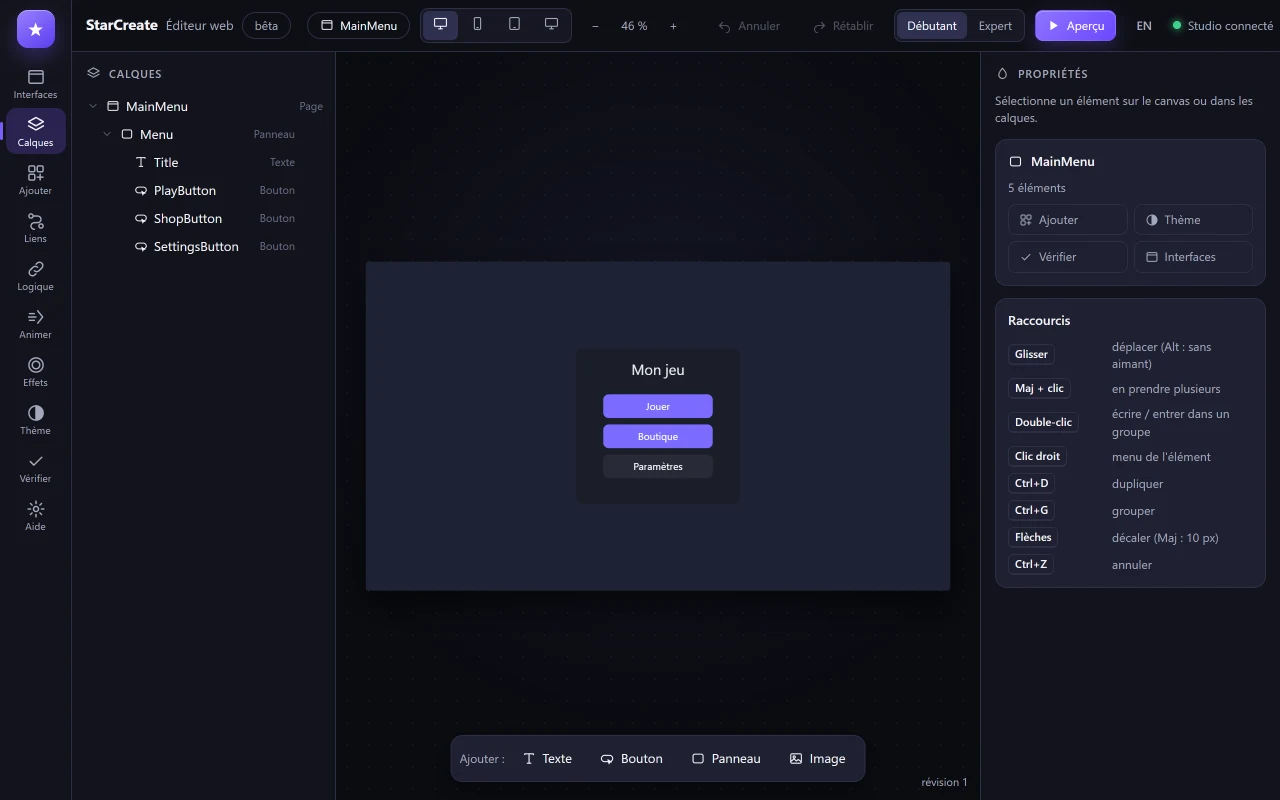
Canvas direct : glisser, redimensionner, guides aimantés, groupes, copier/coller, listes et grilles, images. Bibliothèque de composants et « Mes composants ».Direct canvas: drag, resize, magnetic guides, groups, copy/paste, lists and grids, images. Component library and "My components".
TemplatesTemplates
Menu principal, boutique, HUD, paramètres, dialogue : une interface complète en un clic, modifiable ensuite.Main menu, shop, HUD, settings, dialog: a complete interface in one click, editable afterwards.
StarTheme
Palettes appliquées à toute l'interface en une seule étape d'annulation.Palettes applied to the whole interface in a single undo step.
Interactions sans codeNo-code interactions
Ouvrir, fermer, relier des pages. Un script de jeu lisible est installé : ton jeu marche sans le plugin.Open, close, link pages. A readable game script is installed: your game runs without the plugin.
VérifierChecks
Aperçu ordinateur, téléphone, tablette, console, et alertes pour les éléments hors écran.Desktop, phone, tablet and console preview, with warnings for off-screen elements.
Éditeur webWeb editor
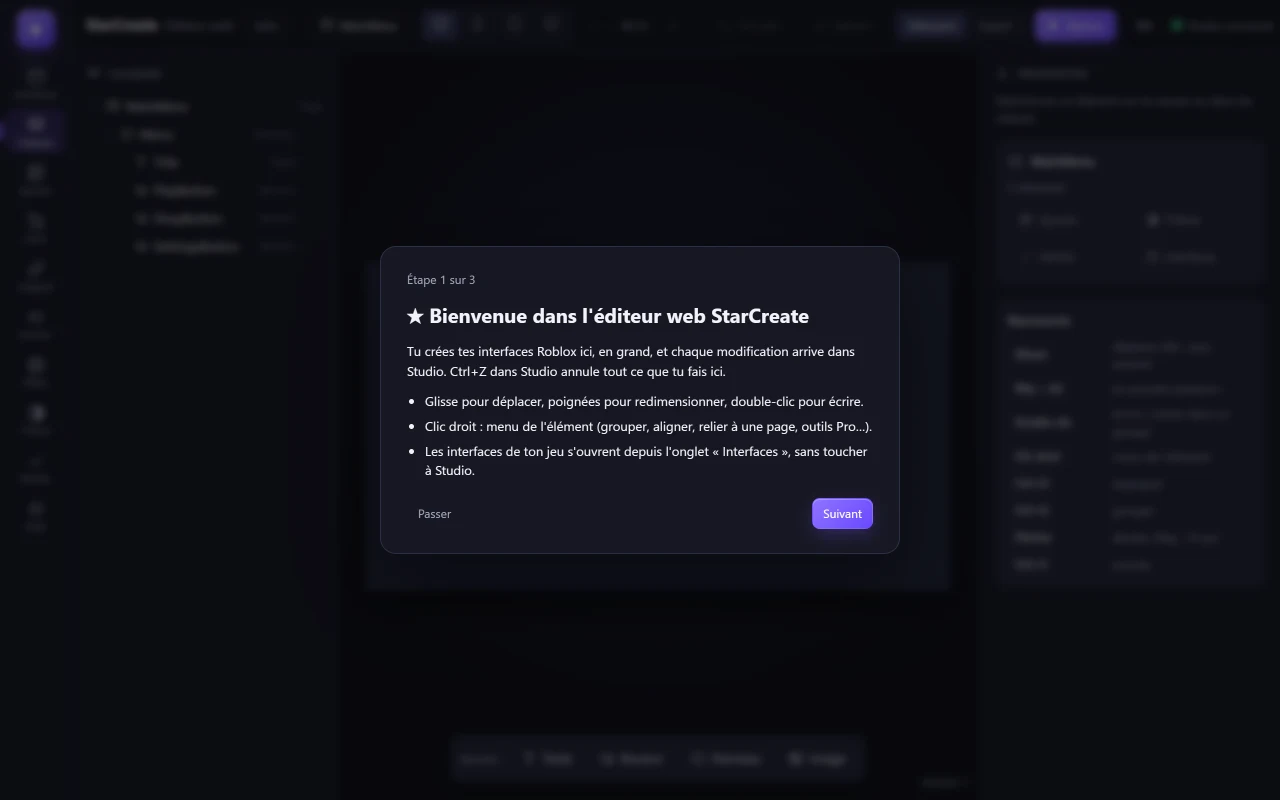
Tout ce que fait le plugin, en grand, dans ton navigateur, sur ton PC (adresse 127.0.0.1). Relié à Studio en un clic.Everything the plugin does, bigger, in your browser, on your PC (address 127.0.0.1). Linked to Studio in one click.
StarUI Pro Pro
Pour aller vite sur de grandes interfaces : copier un style sur tous les éléments du même type ou sur les voisins, aligner et empiler les enfants d'un panneau, insérer des composants premium (carte produit, barre de progression, boîte de confirmation). Les outils apparaissent au clic droit, dans Studio et dans l'éditeur web, regroupés sous « StarUI Pro ». Chaque outil est une seule étape Ctrl+Z.To go fast on large interfaces: copy a style to every element of the same type or to the siblings, align and stack the children of a panel, insert premium components (product card, progress bar, confirmation dialog). The tools appear on right-click, in Studio and in the web editor, grouped under "StarUI Pro". Every tool is a single Ctrl+Z step.
BientôtComing soon
Ces extensions existent et sont testées, mais elles ne sont pas encore en vente. Elles apparaissent dans le plugin avec la marque « Bientôt ».These extensions exist and are tested, but they are not on sale yet. They appear in the plugin with the "Coming soon" mark.
StarMotion BientôtComing soon
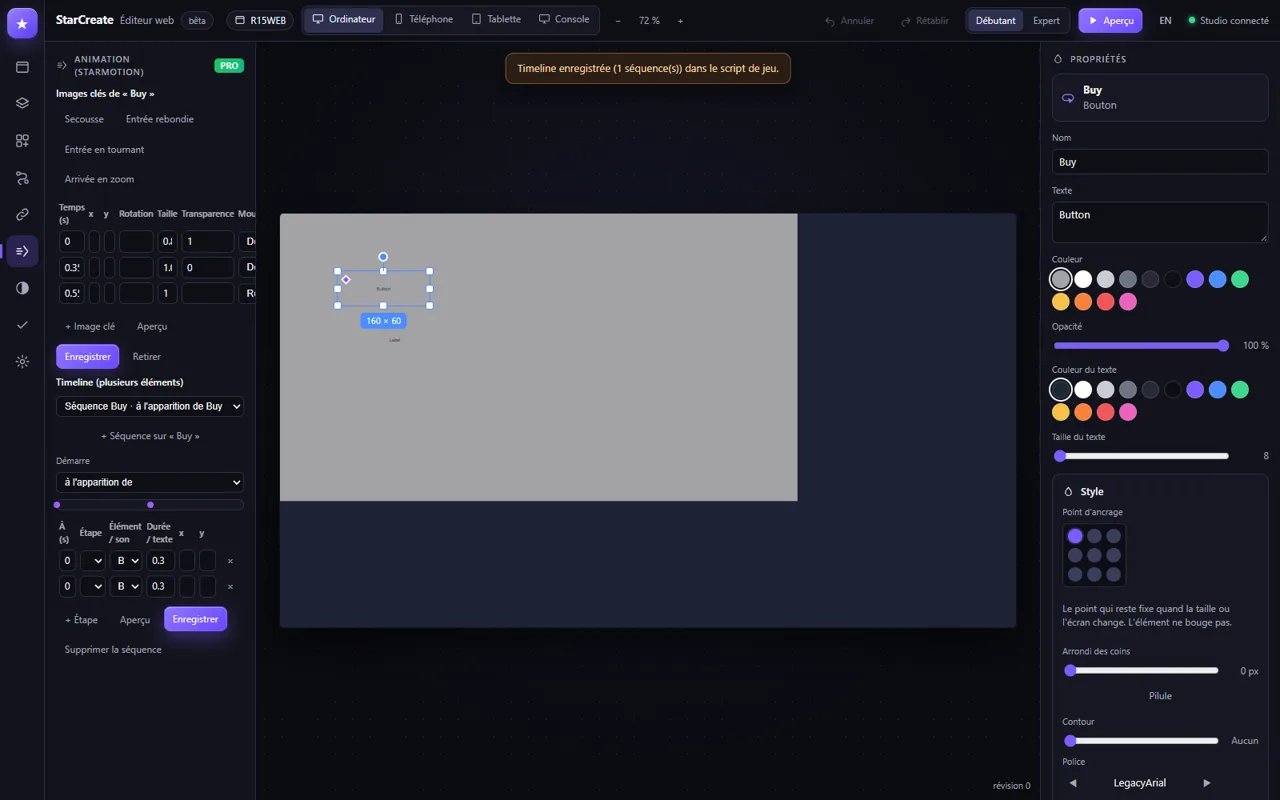
Animations d'apparition, images clés et timeline (fondus, déplacements, sons, caméra).Entrance animations, keyframes and a timeline (fades, moves, sounds, camera).
StarVFX BientôtComing soon
Effets prêts pour tes pièces : étincelles, aura, fumée, traînée, lueur.Ready-made effects for your parts: sparks, aura, smoke, trail, glow.
StarLogic BientôtComing soon
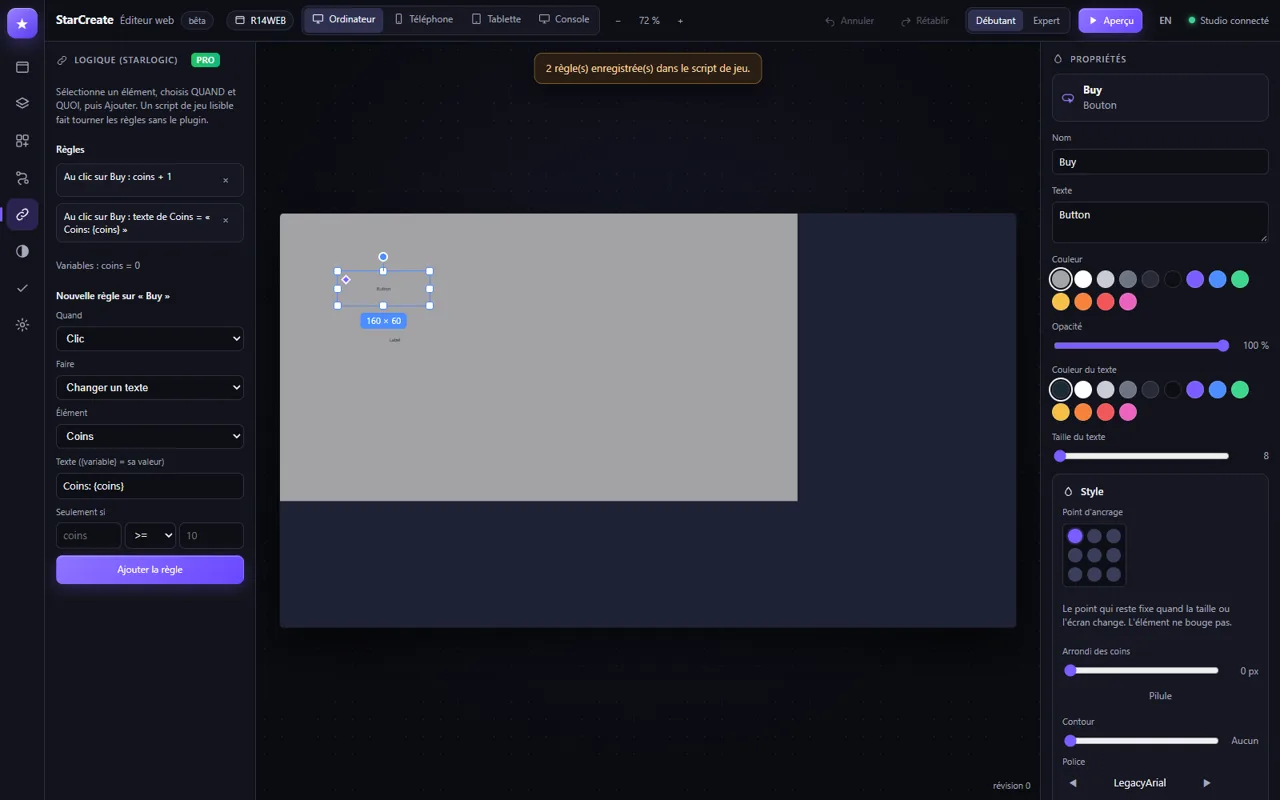
Règles « quand… alors… » avec variables, conditions, minuterie et sons, sans script."When… then…" rules with variables, conditions, timer and sounds, no script.